Pick
Finder on Mac, Files on iPhone and iPad. Start where the document already lives.
InkDock
Send files to e-ink devices
InkDock is the Mac, iPhone, and iPad sender for BOOX and Sony Digital Paper DPT-RP1. Local workflow, no cloud relay, no extra receiver app.

Workflow
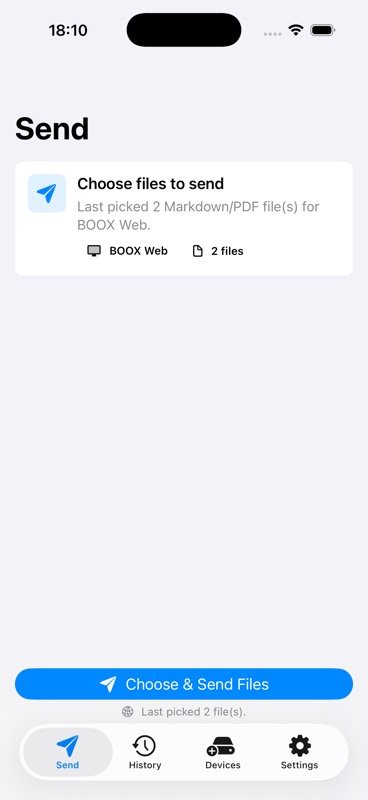
InkDock keeps the flow close to the file: pick it, choose a local target, send.
Finder on Mac, Files on iPhone and iPad. Start where the document already lives.
Send to BOOX or a paired Sony Digital Paper DPT-RP1 on your local network.
Clear status, minimal history, and no extra receiver app to install.
Direct path
Mac and iPhone / iPad can each send selected files to a configured e-ink target on your local workflow.

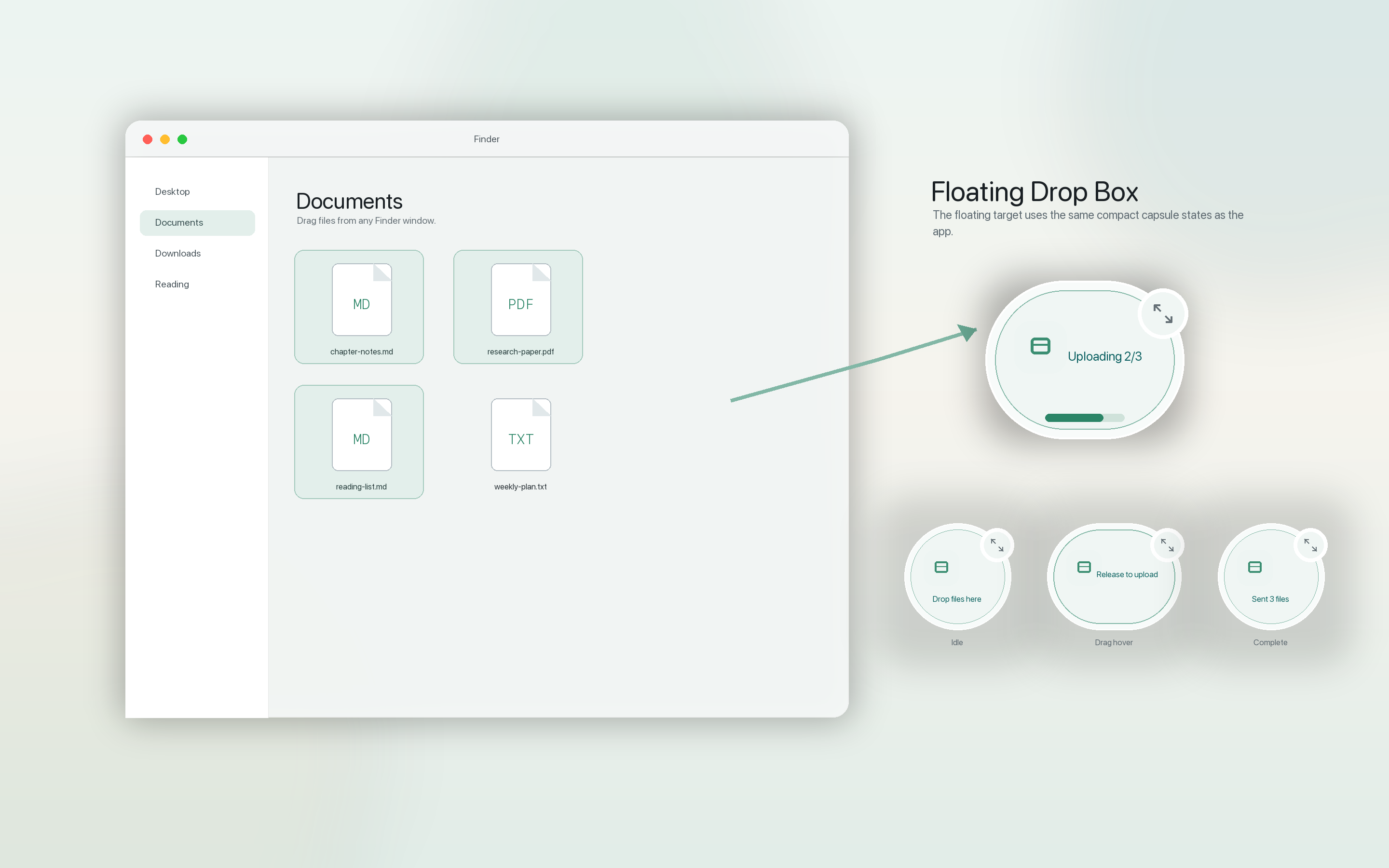
macOS
Use the main upload queue, Finder Share, Floating Drop Box, and Markdown to PDF conversion without leaving your Mac workflow.

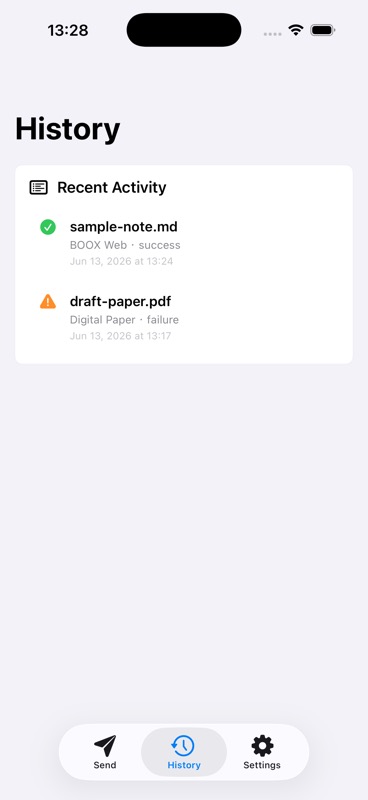
iPhone / iPad
Choose Markdown or PDF files, send immediately, manage devices, and review recent activity without exposing private target details.
Private by design
Your file moves from your sender to the e-ink target you configure.
Transfers use your configured local target instead of a developer-side cloud relay.
BOOX and DPT-RP1 use their existing receive or pairing behavior.
InkDock reads files you select for the transfer or conversion you start.
Recent activity stays local and avoids private destination details.
Receivers
Set up the receiver once, then choose it when sending from Mac, iPhone, or iPad.
Use the local address shown by your BOOX device on the same network.
Pair DPT-RP1 with the device-side flow, then choose a destination folder.
InkDock reads selected files only to send them to the local target you configure. Transfer history stays on your device and remains privacy-minimal.
请点击右上角 ···
选择 "在浏览器中打开"。