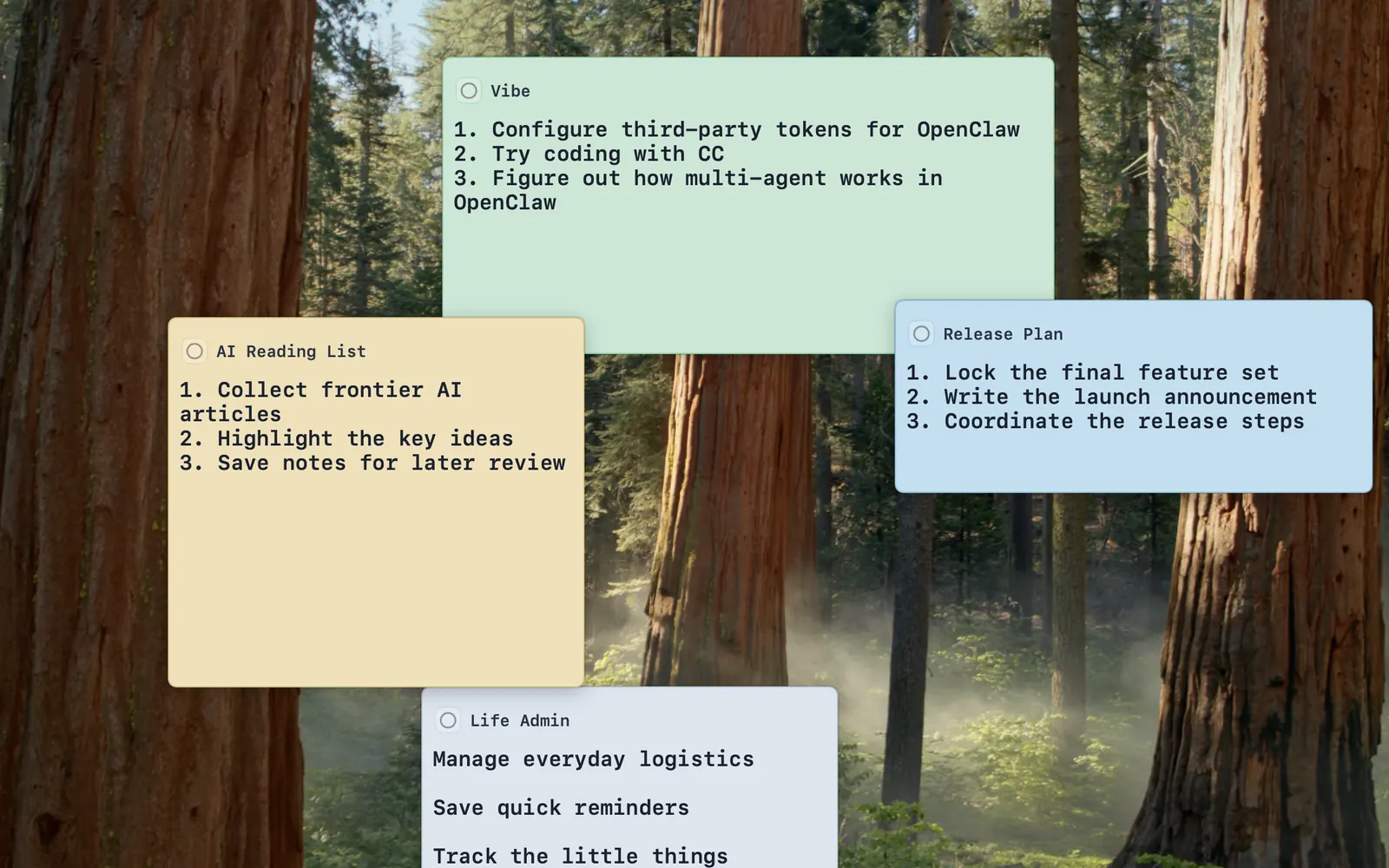
Desktop card
A single card stays visible, editable, and easy to reopen.
Desktop cards and reminders for macOS
Tacklet keeps important things visible on your desktop and reminds you on time. Create a card, pin it across spaces, come back to it from the overview, and keep your day moving without turning your desk into a heavy task system.
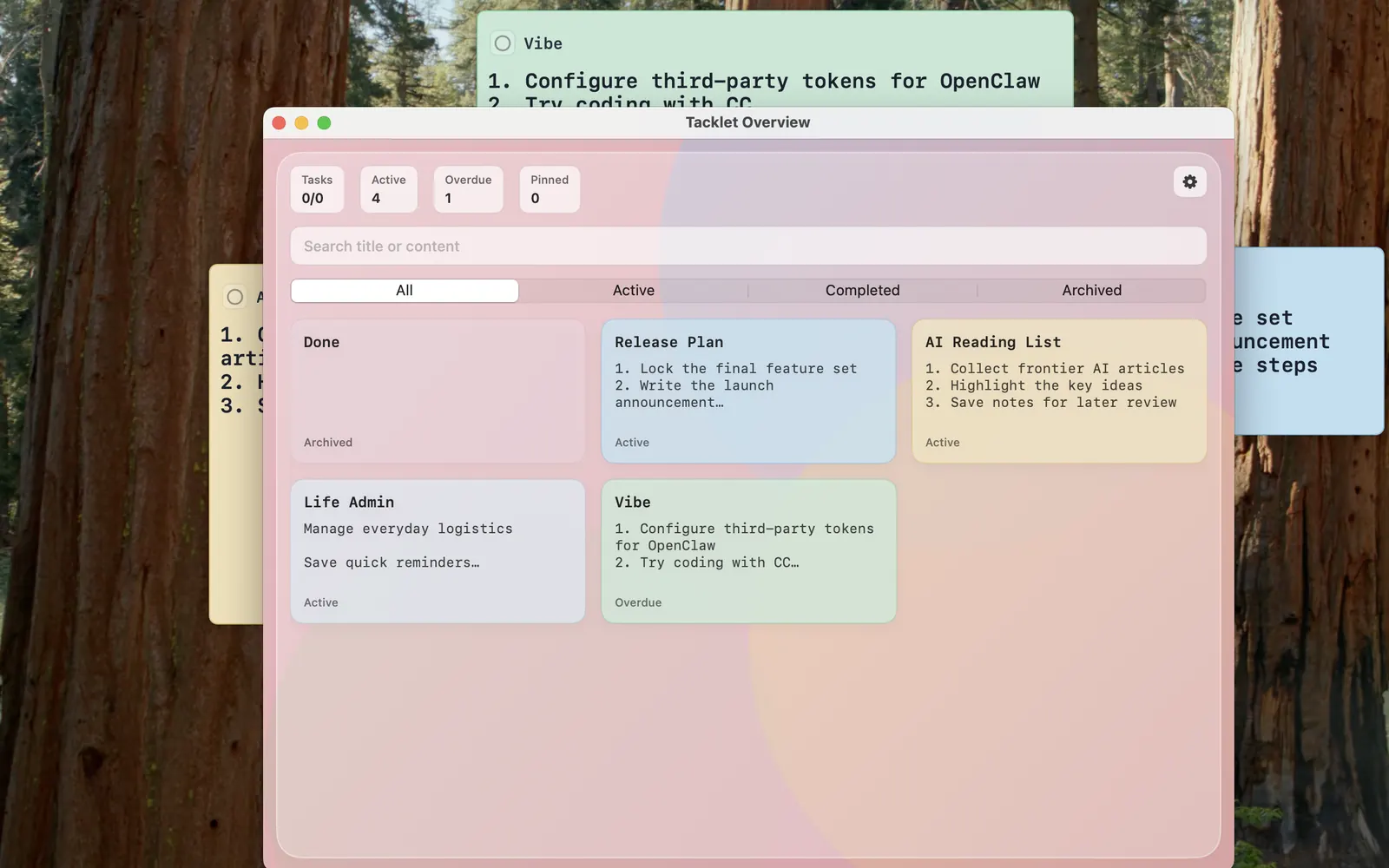
A quick look at Tacklet on the desktop, the overview window, and how it stays visible alongside the rest of your workspace.
A single card stays visible, editable, and easy to reopen.
Search, filter, and jump between active, completed, and archived cards.
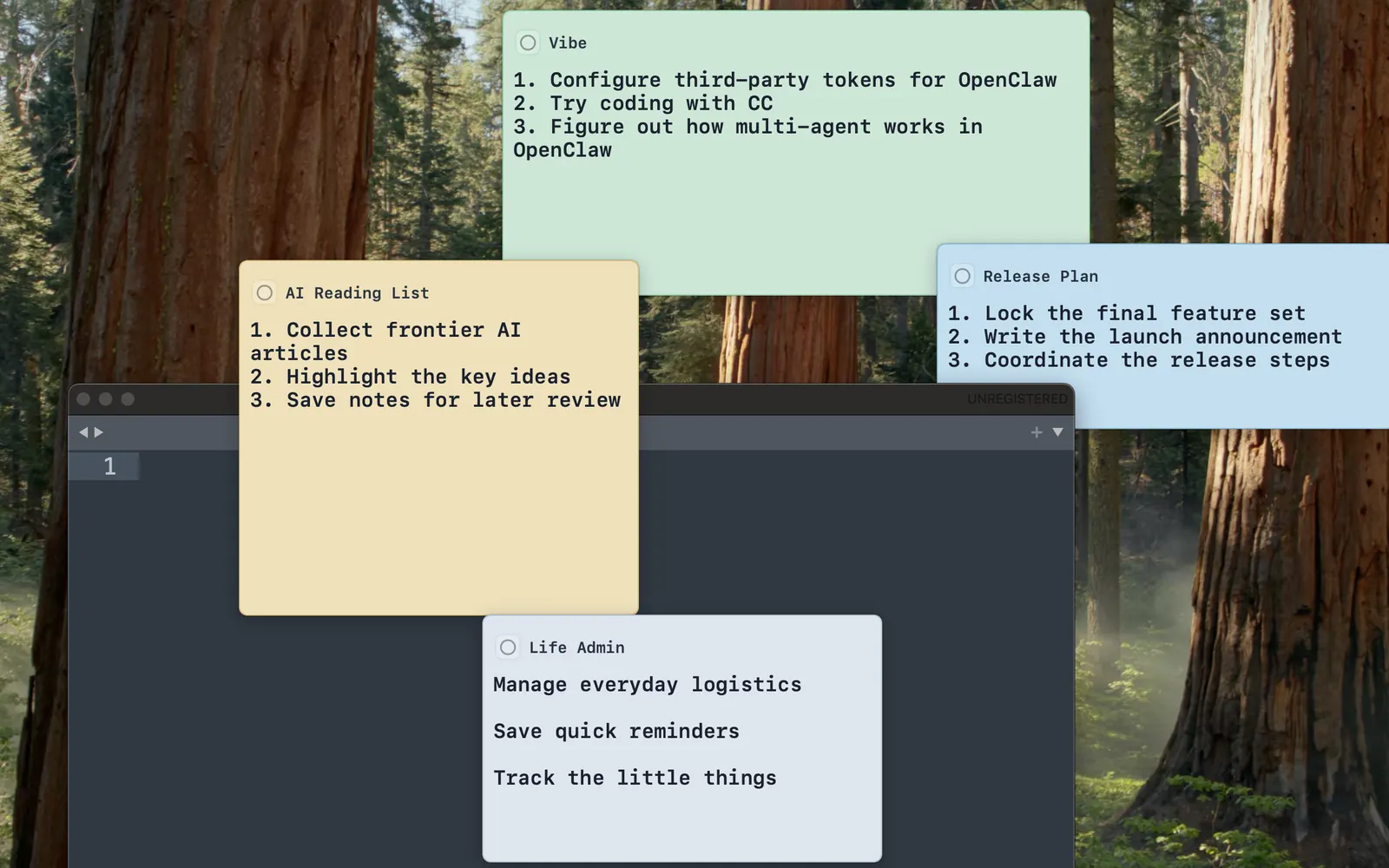
Keep cards visible while you write, browse, and work in other apps.
Tacklet is not trying to become a large project manager. The first public page focuses on the stable macOS workflow that already exists today.
Each note is its own window, so the thing you care about can stay present on your desktop instead of disappearing into a list.
Schedule reminders and act on them through system notifications with open, snooze, and mark-done actions.
Use a focused overview window to search cards, filter by status, and reopen the right one quickly.
Keep important cards on top and visible across spaces, with window position and size remembered between launches.